![Sojo_logo_primary.png]](https://help.getsojo.com/hs-fs/hubfs/Sojo_logo_primary.png?width=80&height=40&name=Sojo_logo_primary.png)
sojo's dynamic integration with Hostfully allows sojo to get real time property and reservation data. We'll use this to ship the right amenities at the right time.
Connecting Hostfully to sojo
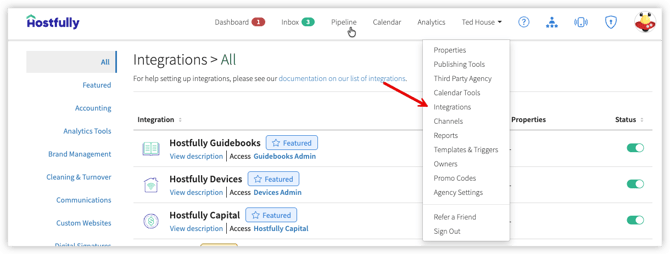
- In your Hostfully account, go to Integrations:
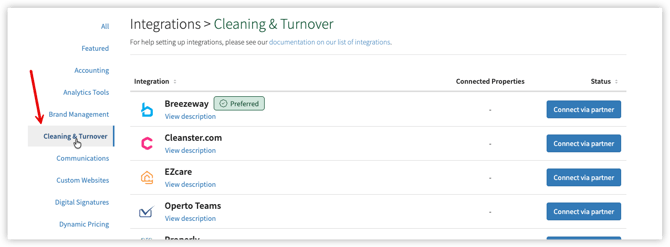
- Select Cleaning & Turnovers
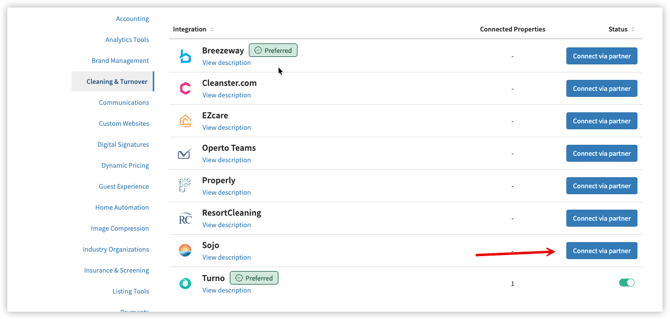
- Find Sojo and click Connect via partner, then follow the steps on screen to complete the connection:
- In your Hostfully account, go to Agency Settings, scroll to the bottom, and copy your Agency UID. Then Send your Agency UID to support@getsojo.com.