![Sojo_logo_primary.png]](https://help.getsojo.com/hs-fs/hubfs/Sojo_logo_primary.png?width=80&height=40&name=Sojo_logo_primary.png)
sojo automates your guest amenities (from bathroom and kitchen to pantry and more!) to make turn days suck less for property managers of all sizes.
- Go to your Hostaway Dashboard.
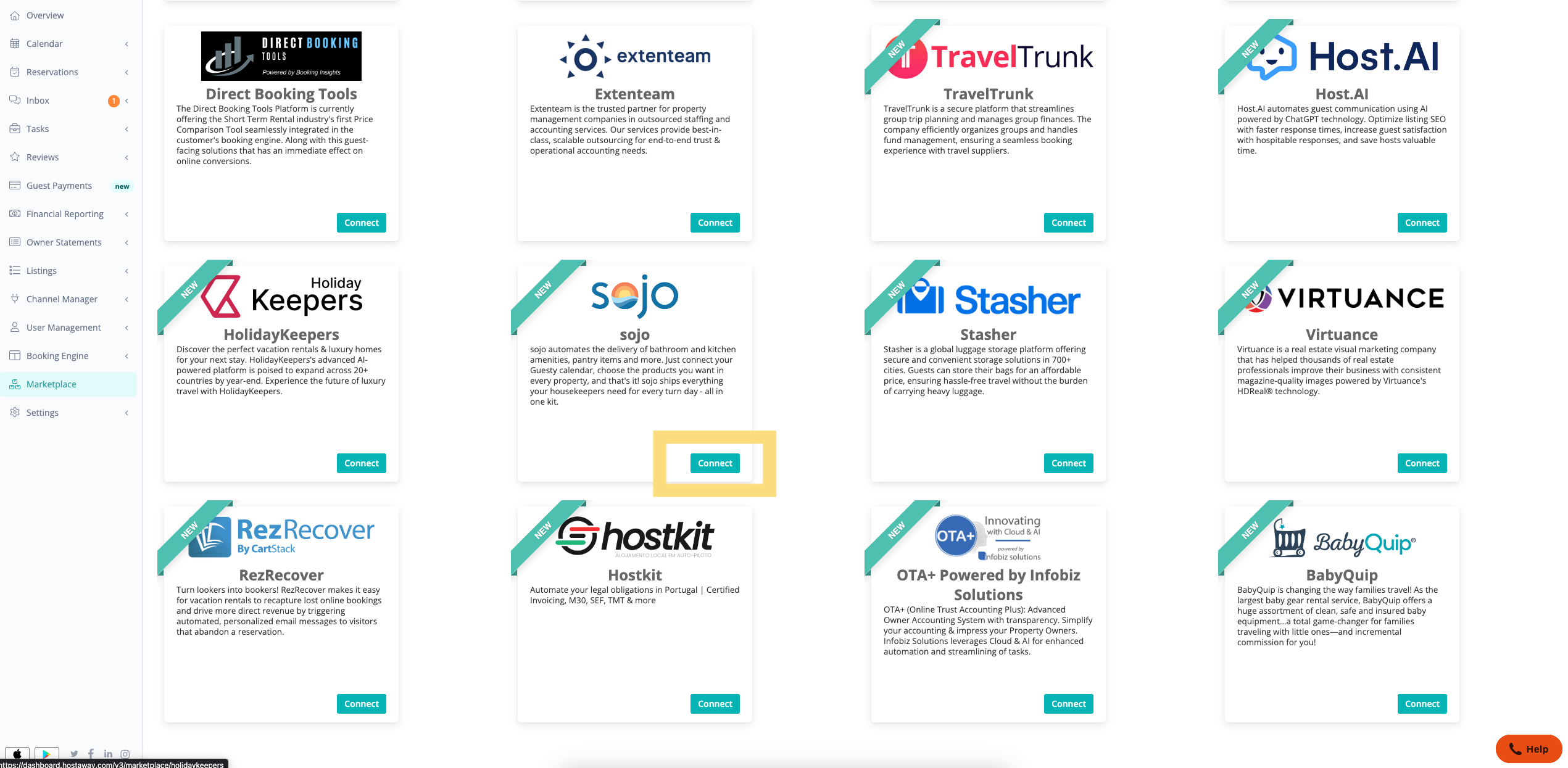
- Click on Marketplace , then search for the “sojo” and click the Connect/Configure button on the marketplace listing.
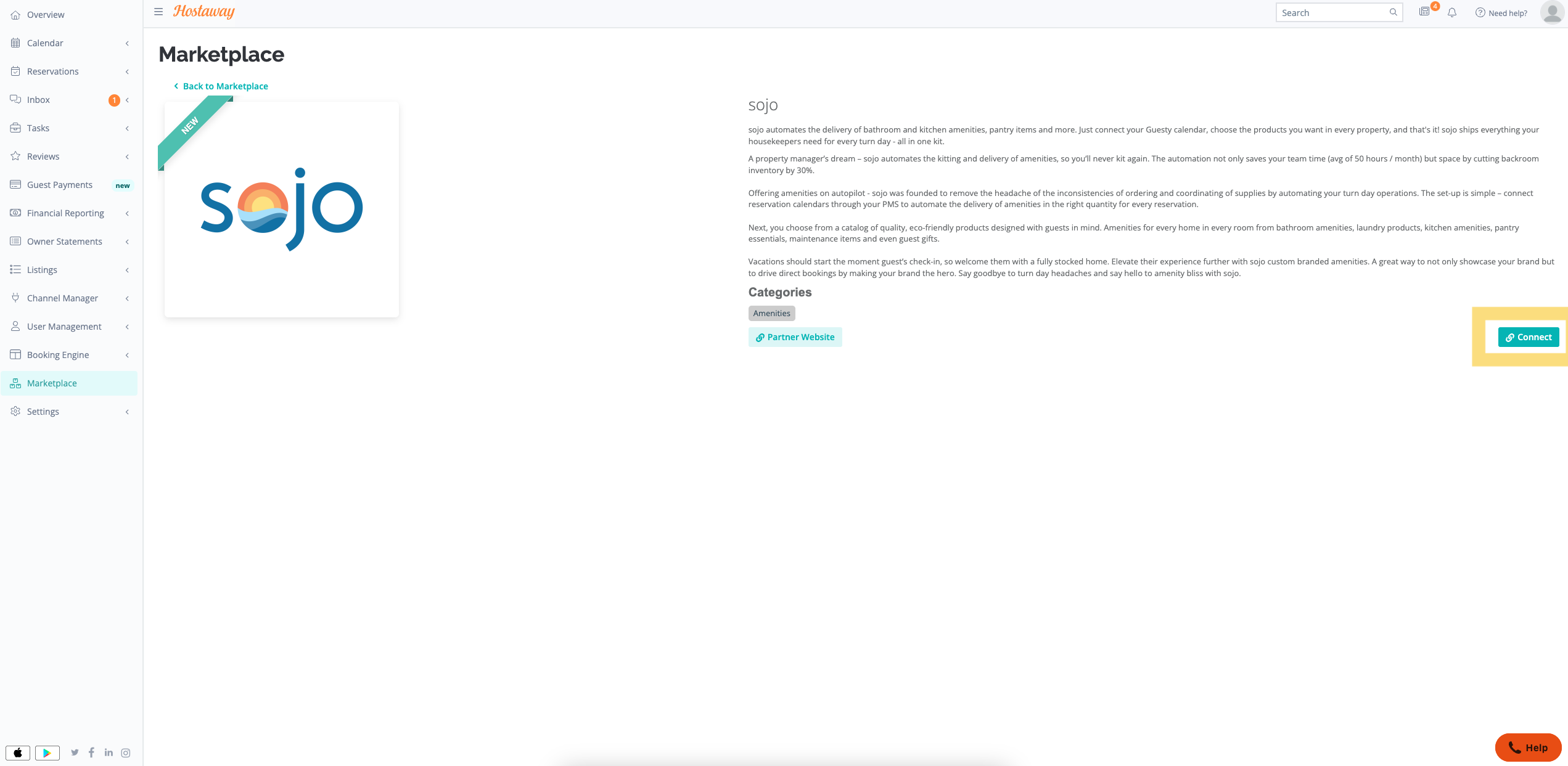
- This will expand the partner box and you can click on Connect again to start generating the Keys.
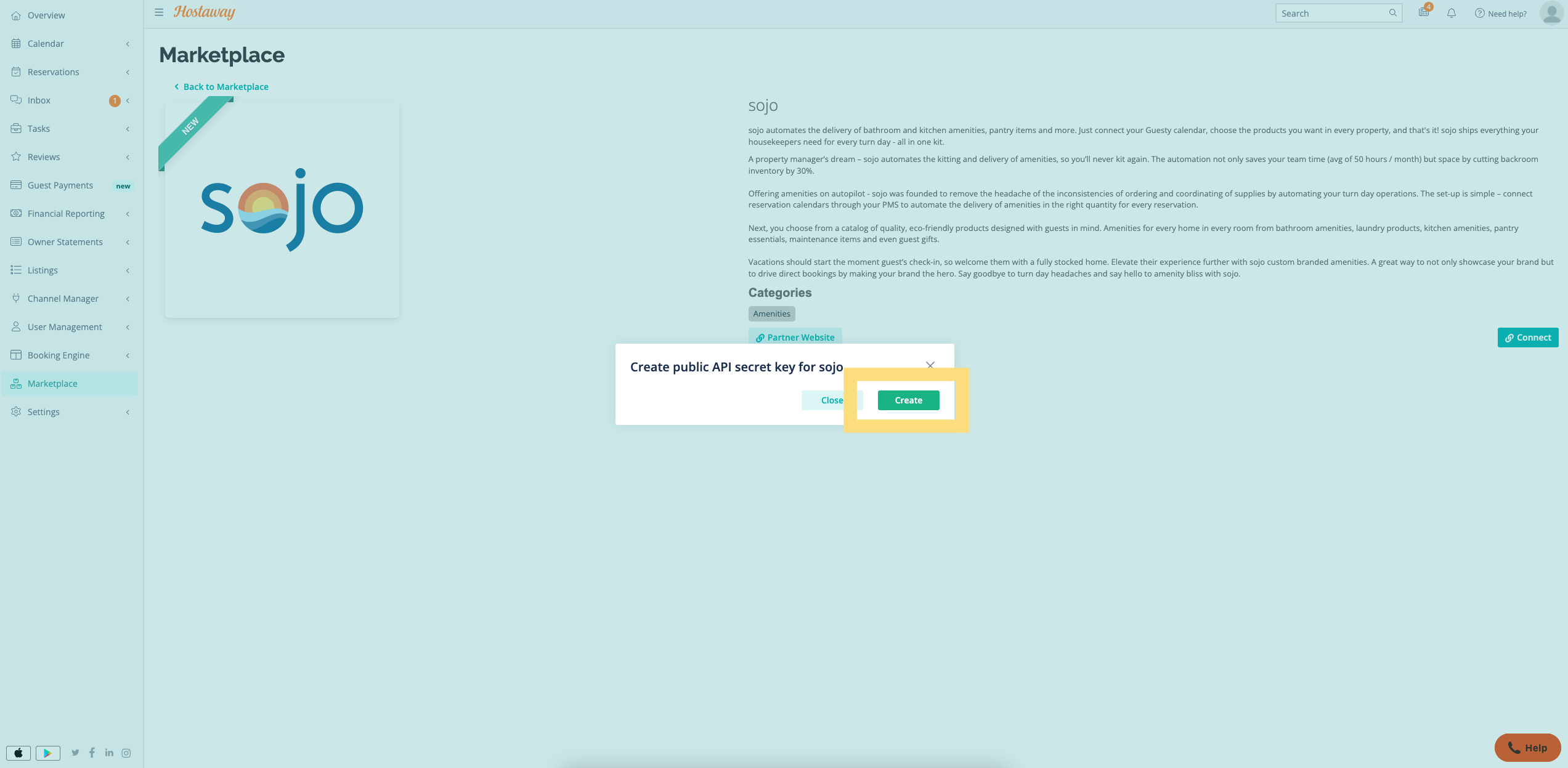
- Click Create to generate the API Key.
- The new credentials will be presented on the screen. Please make sure to copy and save both the API Key & Account ID safely, as it will be visible only once.
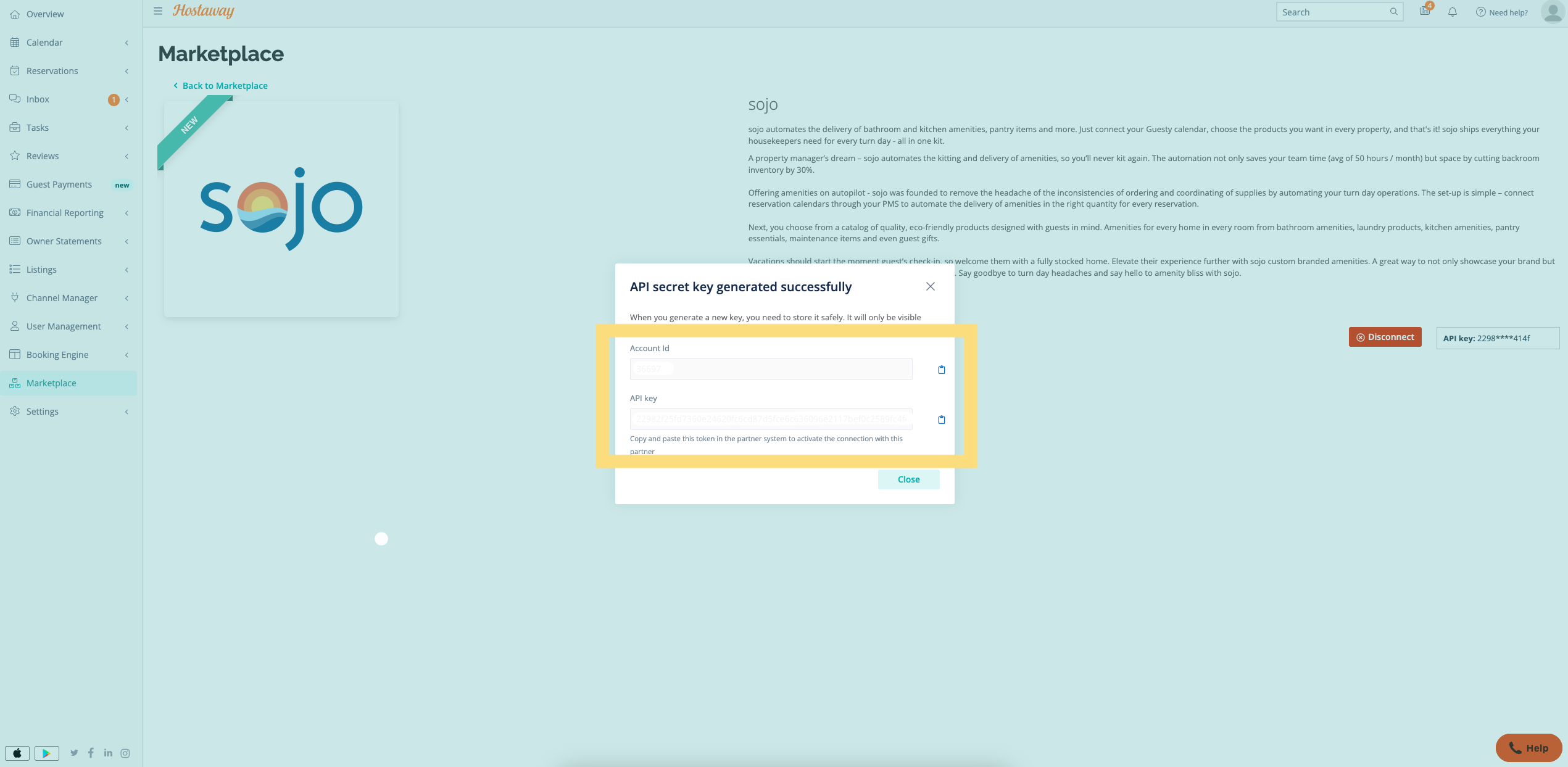
- Send your API Key to the sojo support team at support@getsojo.com. They’ll follow up in 1-2 business days to confirm the connection and indicate next steps.